Deliver programs and messages on schedule
Build one timeline of programs, meal plans and messages, then assign it to clients from any start date. Each client gets their own copy of every event, scheduled in their own timezone.
14 days free · all features included · cancel anytime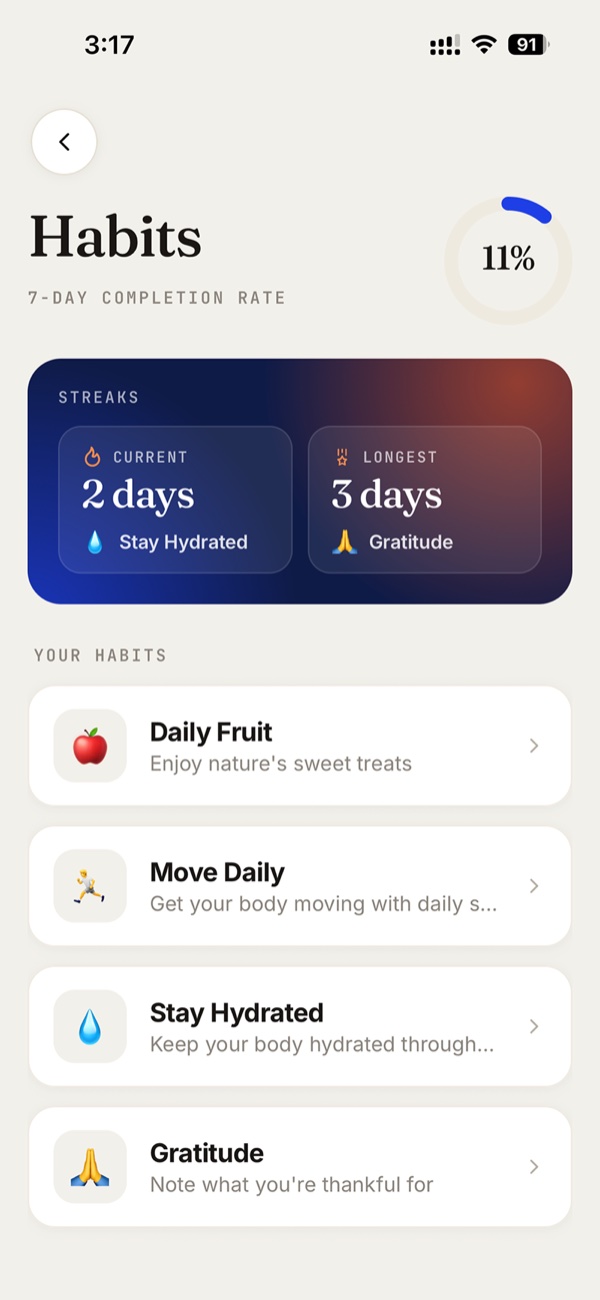
Trusted by leading coaches worldwide



Content appears on the client's plan
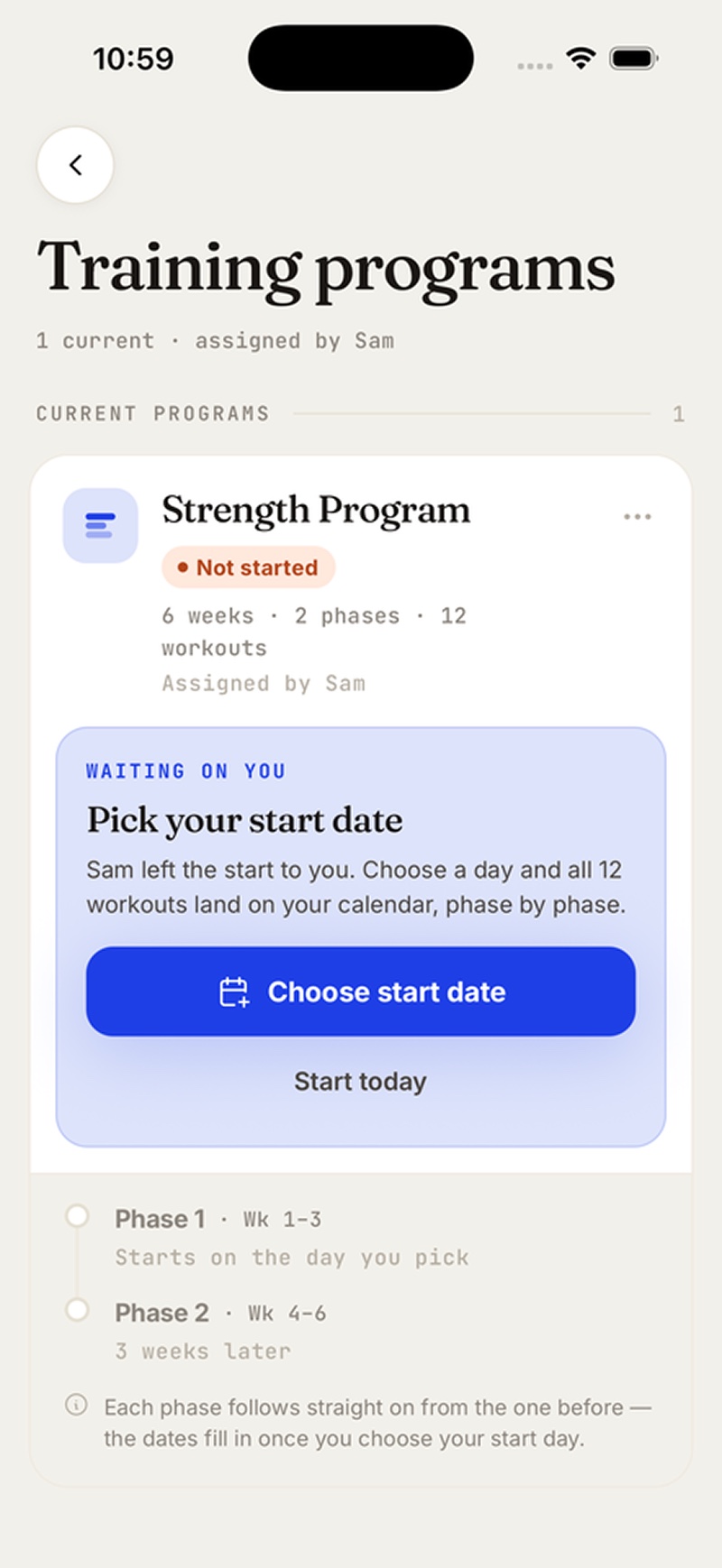
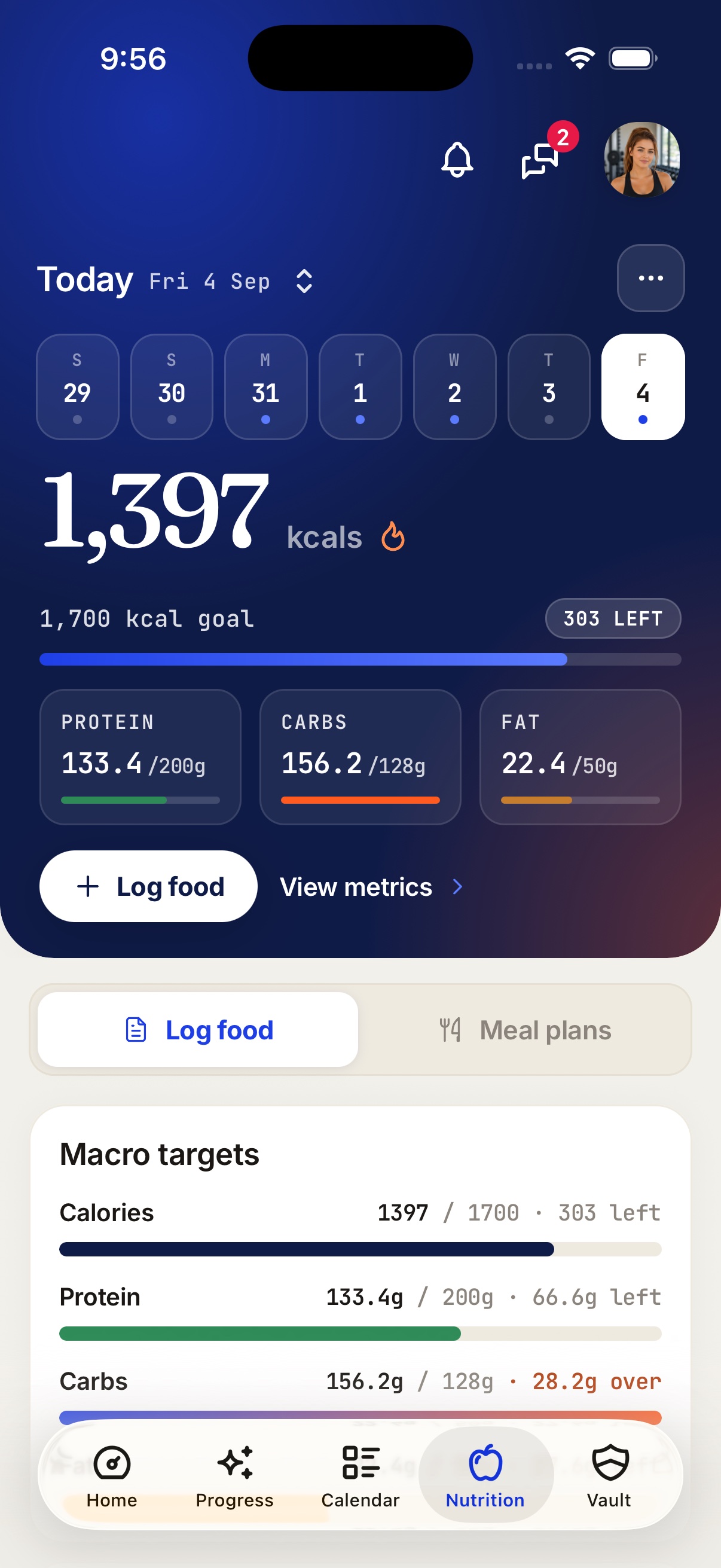
Programs and meal plans appear on the client's plan, and messages arrive in chat. Nothing is labelled automated, and notifications carry only the wording you wrote.
Content appears in the app
Programs, meal plans, forms and vault content are assigned silently. Everything ready to go the moment they join.
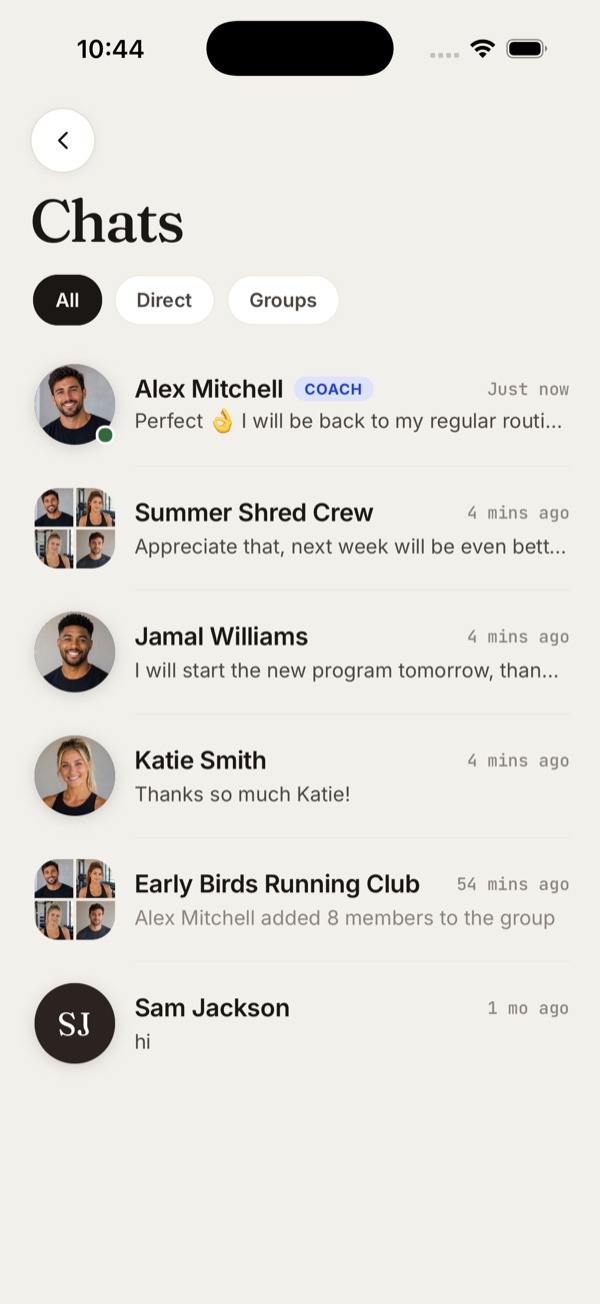
Messages arrive in chat
A scheduled message lands in the client's chat as a normal message from you. There is no automated label.
Notifications in your own words
Write the title and description once. Each client's phone gets it at the time you set, in their own timezone.
Build a week-by-week timeline once
Lay out what a client receives on each day, from a day-1 welcome message to a week-4 check-in form.
8 event types, from programs to push notifications
Programs, meal plans, forms and vault content come straight from your library, and you write the messages and notifications yourself. Each event fires at the time you set.
This app has completely transformed the way I coach my clients. It streamlines my business, so I spend less time on manual tasks and more time focusing on actually coaching my nutrition clients.
 Julz YapDietitian (APD) & Nutritionist · @julzhealth
“It's genuinely got me excited for online coaching again.”
 Kate Collins · Personal Trainer · @katecollinspt
“Hands down the best designed coaching app I've used.”
 George Symeou · Online Fitness Coach · @the.strengthbase
Assign one automation to many clients
Pick a start date and the clients you want. Week 1, day 1 lands on that date for every one of them, in their own timezone.
See what is scheduled for each client
The client's Calendar tab shows what is due to reach them and what already has, next to their workouts and habits. Pending events can still be moved, edited or cancelled.
See an automation built, assigned and delivered
From a blank timeline to scheduled events on a client’s Calendar tab, in the coach dashboard.
What coaches say about Fitsly
“I've used all the other coaching apps, and Fitsly is a step above. It's modern and streamlined, with updates rolling out fast and a team that truly listens. A refreshing change from what's out there.”
 Kurt HeerenPro Bodybuilder & Coach · @kurtheeren
“All the updates that you've rolled out are unreal and I'm so in awe of how good it's all looking. I truly love this app so much and it's made my business run so much better!”
 MyriaAccredited Sports Dietitian · @athelitenutrition
“The user experience, the direction of the brand, and where the industry is heading… it aligns really well with where I see online coaching evolving over the next few years and beyond.”
 Teiyana PattersonFMG PRO · @coachteiyana_fmgpro
Automations are included in every plan
Onboarding flows are included too, and both work during the trial.
A workout builder that handles the formats you actually program, meal plans clients can log against, check-ins on a schedule, and habits with streaks. Then the things that save you the most time: onboarding that assigns content at join, automations, and one inbox for every client. Fitsly does all of it.
Guides & support
Browse the help centreBuild your first automation today
Add a program and a message to a timeline, then assign it to a client. Free for 14 days, all features included.
